
Is Shroom and Gloom supported on Steam Deck?
Steam rates Shroom and Gloom Unsupported on Steam Deck as checked on October 18, 2026. Its Deck compatibility report identifies graphics performance as the issue. Early Access includes controller support, but that feature does not change the device’s compatibility rating.
Treat the rating and the controls as separate purchase questions. A way to play cards with a controller is not a promise of steady frame rates. Check the current Steam listing before buying specifically for your Deck.
Check whether you are playing the Demo or Early Access
Native controller support arrived with Early Access. On September 13, the developer explained that the Demo build had been made before controller implementation was finished. A control that is available in Early Access may therefore be absent from that Demo.
Confirm which product you have launched before comparing your experience with another player’s instructions. Updating or changing a controller layout does not turn a Demo build into the Early Access release.
Dragging cards with touch, trackpad or stick
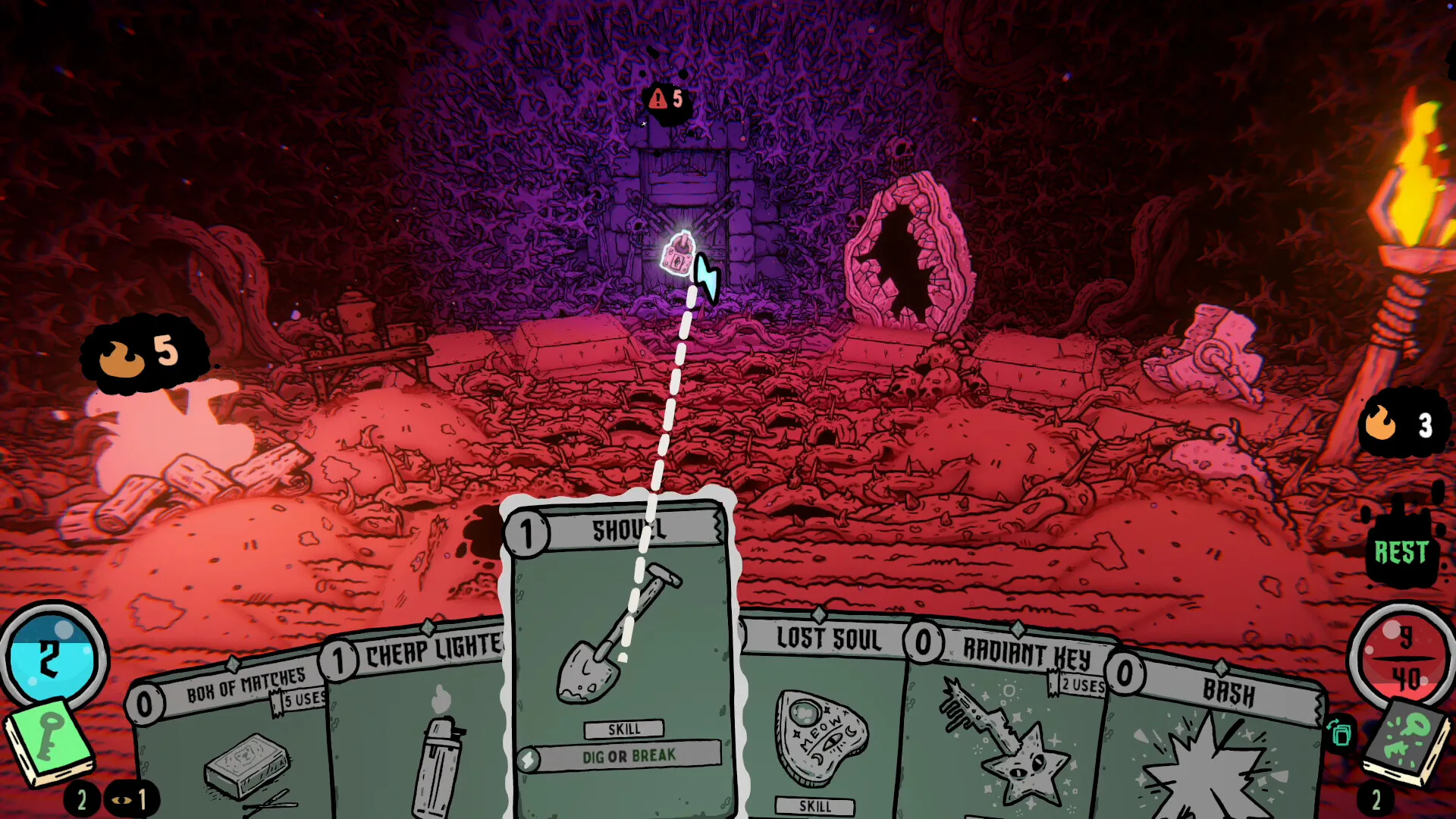
In the June 2026 Demo discussion, the developer described three ways to drag cards onto targets on Deck: the trackpad, the right joystick and the touchscreen. They preferred touch and found the joystick too sensitive at that time.
Those comments provide a useful starting point for the Demo’s mouse-style interactions. They are dated guidance, rather than a current button-by-button layout. In Early Access, inspect the controller options in your installed build before applying an older setup.
Map and door controls have had limitations
The developer’s September 13 controller update identifies two rough edges: the map could be opened with a controller, but tunnels and rewards could not be hovered over; inspecting signs on exploration doors was also awkward. Improvements were planned.
If your difficulty is limited to those actions, distinguish it from the game failing to recognise all controller input. Record the exact screen and action that fails when reporting the problem. Check newer update notes before assuming these dated limitations still describe your build.
Inspect cards before committing to a target
Early Access added a card inspector intended to help on handheld screens. It also improved targeting feedback, including indications of whether an action affects one enemy, several enemies or the player.
Use the card’s full effect and target information when deciding what to play. For an introduction to Combat and Explore effects, the card reference explains how actions, conditions and properties fit together.
What the rating does and does not tell you
The Deck report names a performance problem; it does not supply a recommended graphics preset or a measured frame-rate target. Reports for SteamOS on other devices or for Steam Machine describe different hardware and cannot establish how your Deck performs.
This guide does not include a Steam Deck hardware benchmark. When comparing a performance report, look for the device model, game version, SteamOS and Proton versions, settings and test scene. A desktop Linux result or a video about a strong card deck does not answer that hardware question.
Input fixes in 0.6.39
The 0.6.39 update addressed unintended movement caused by devices being interpreted as analogue input. It also fixed a controller softlock after entering character selection and returning to the title screen. These are dated input fixes, rather than a change to Valve’s graphics-performance rating.
Make a control problem easy to reproduce
Note whether you are running the Demo or Early Access, which input method you used, and where the action stopped working. Include the game version and a short description of what you expected to happen. The developer directs bug reports to the game’s Steam Bug Reports forum.