
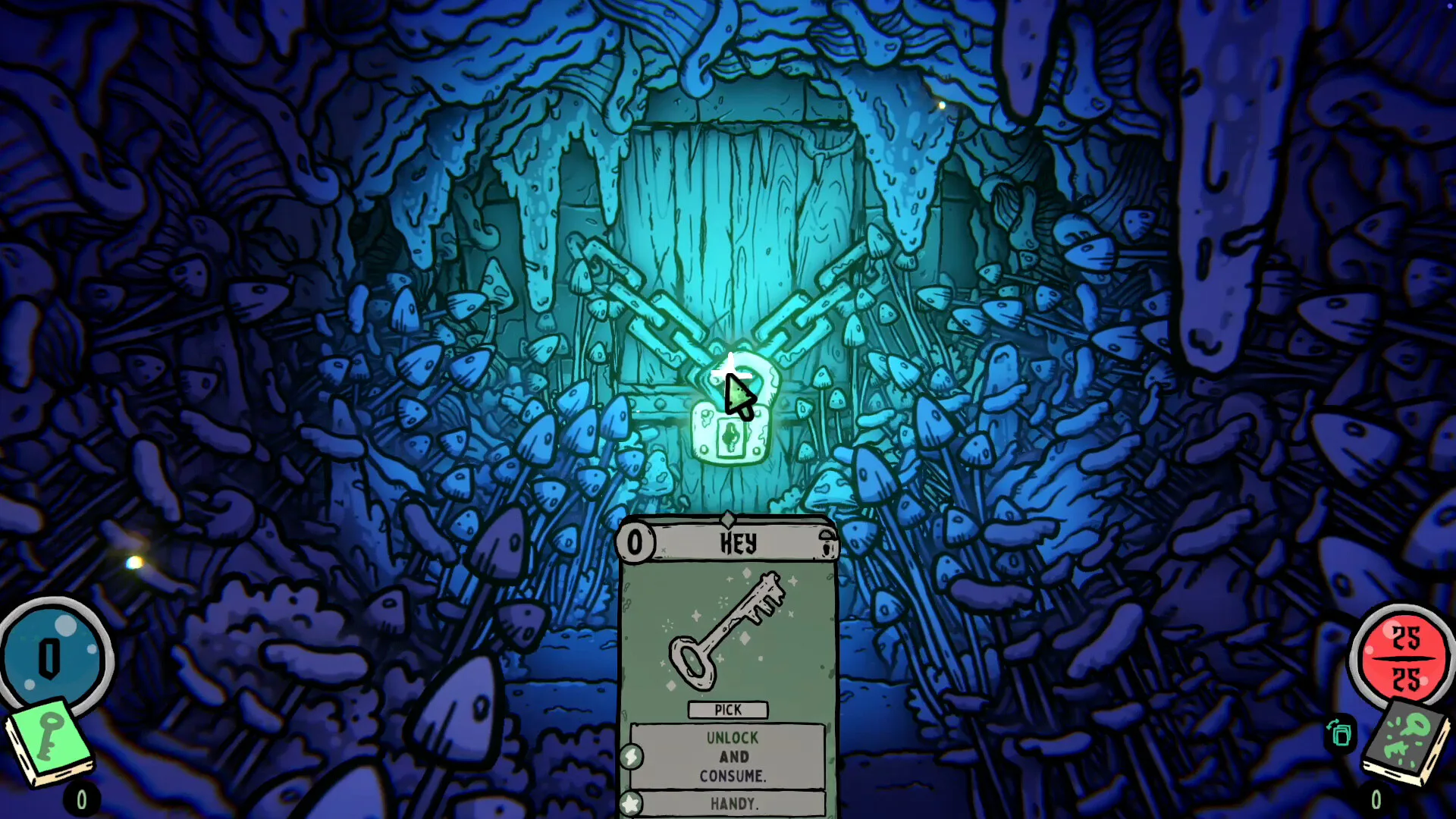
Where to get the Demo
The current Steam product information lists a separate Demo, App ID 3602770, alongside the paid game, App ID 3271280. Open the main store page and select its Demo download option. The Demo store address can lead back to that listing; the label on the installation control tells you which product you are selecting.
A Demo is a trial build. Early Access is the paid release that continues to develop. Check the title in your Steam library after installation, especially if you have both products. A price, bundle or purchase button shown elsewhere on the page is not the Demo control.
Choose the trial before installing
On the store page, distinguish the Demo control from the paid game’s purchase button. Follow Steam’s prompts to open the client and install the trial. If the page offers a platform-specific download, choose the one for your computer. A price or bundle shown nearby belongs to a purchase offer; check the label on the control you select.
Compare the Demo with Early Access
The two products answer different questions. Use the trial to judge whether you enjoy the combat and exploration rhythm on your own computer. Use the paid game’s store description and launch information to understand the Early Access content. An older prototype recording is not a reliable checklist for either installed build.
The launch announcement describes five playable characters, two paths, quests and automatic saves after winning a fight or escaping a dungeon. Those are statements about the Early Access launch. They should not be copied into a Demo feature list without a separate announcement for the trial.
Product comparison
Scroll horizontally to view every column.
| Product | Where it fits | What the label establishes |
|---|---|---|
| Steam Demo | App ID 3602770 | A separate trial listed with the game |
| Steam Early Access | App ID 3271280 | The paid release, launched September 10, 2026 |
| Older itch.io prototype | Historical builds and recordings | Background that may differ from the Steam versions |
Demo, prototype and Early Access are different labels
The Demo is a way to try the game. Early Access is the paid release that continues to develop. Older prototype coverage should not be used as a checklist of what your current download contains. When following a video, first check whether it describes the same version you installed.
What to pay attention to while trying it
Use the trial to decide whether you enjoy the rhythm of fighting and exploring, whether card descriptions are comfortable to read, and whether the game runs acceptably on your computer. Those are useful purchase questions even if you do not reach the end of the trial. Our first-run guide offers a short learning sequence.
What if you cannot find the download?
First check that you opened the game’s store listing, rather than a bundle or a news article. Look for a control explicitly labelled Demo. If your browser is not opening Steam, open the Steam client yourself and search for the game there. Avoid downloading an unrelated file simply because its page repeats the game name.
If the trial is no longer offered when you visit, an older video is not evidence that its download still works. Return to the current store listing for availability.
Why do controller instructions differ?
On September 13, Team Lazerbeam explained that the Demo had been built before native controller implementation was finished for Early Access. That dated explanation accounts for older trial footage using mouse-style controls. It does not mean that every later Demo will necessarily have identical limitations.
Check which product you launched before changing input settings. A community layout is not the same as the native implementation in Early Access, and the existence of either does not determine Steam Deck’s performance rating. Keep product, input method and hardware as three separate checks.
Before moving to the paid game
Do not assume that trial progress carries over. We have not verified a current save-transfer promise. Keep that question separate from whether the Demo is available, and check the game’s current instructions before replacing or deleting any save files.