
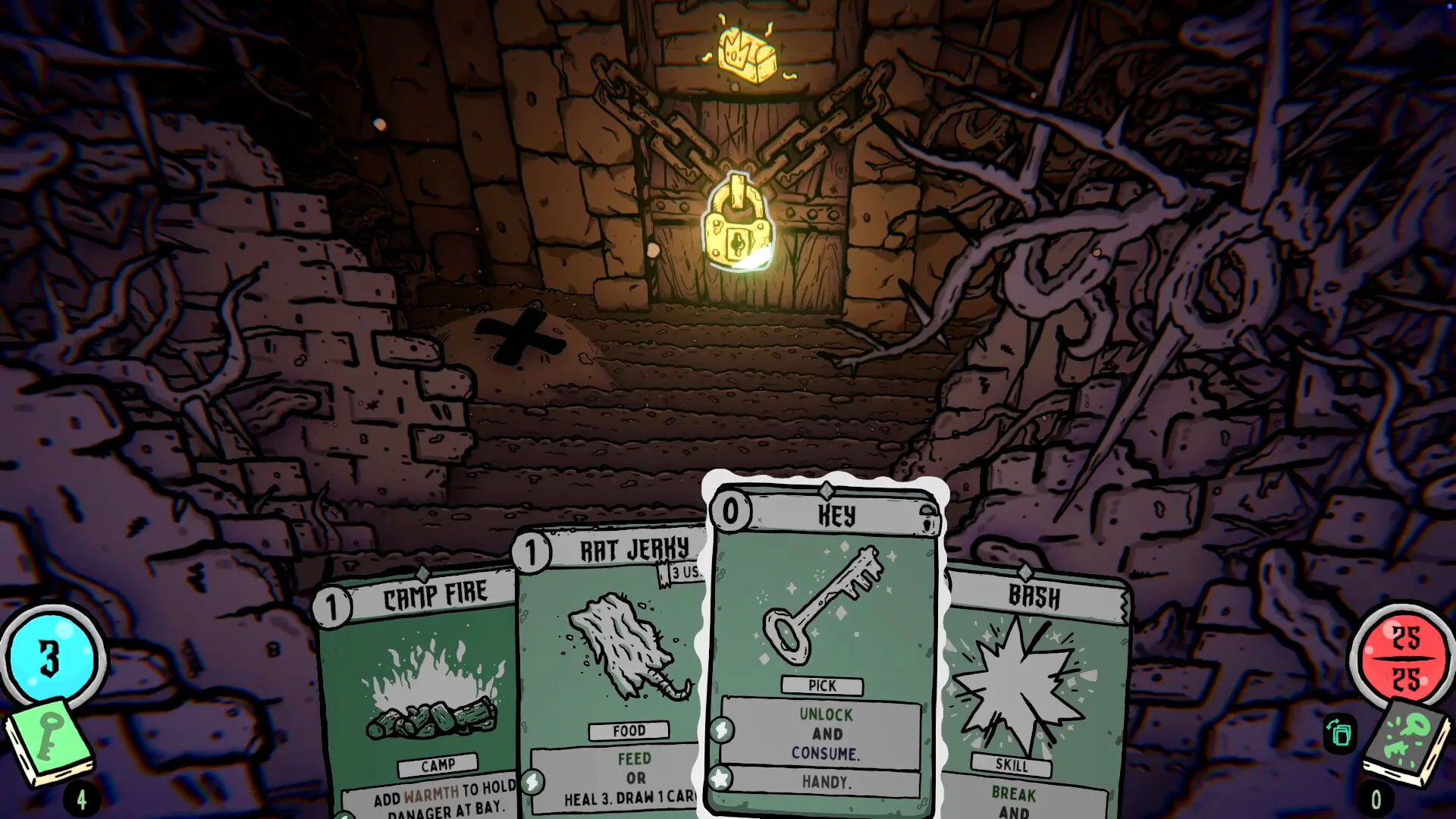
Start with the two-deck loop
Shroom and Gloom uses a Combat deck in fights and an Explore deck between encounters. The Explore deck helps you navigate dungeons and modify cards; the Combat deck turns those choices into attacks, skills and ways to survive. A first run is easier to understand when you identify the current phase before choosing a card.
Paperboy is the introductory character shown in the developer’s demonstration. The Early Access launch also includes Janitor, Lunchlady, Activist and Concerned Parent, with distinct starting decks and a base Foresight for each. Advanced characters and the Facility are connected to quests, so their presence in a guide does not mean a new save begins with every option unlocked.
A first-run learning sequence
First, inspect your hand and the object or enemy you want to affect. Check the card’s cost, its action and its target. An exploration card with an unlock action and one with a break action are different tools even when you are looking at the same locked obstacle. Commit only after checking the action the object accepts.
Next, read what happens to the card afterward. Temporary, Exhaust, a uses counter and an ongoing effect are different pieces of information. A card copied from a modified version may not match an untouched reward with the same name. The card in your current hand is the useful reference for this decision.
When should you keep exploring or rest?
In the developer’s Paperboy demonstration, Rest restores energy and draws a fresh hand, making more exploration possible. The exchange also exposes the player to danger. Warmth reduces damage from random hazards and rising room danger in that demonstration. Extra exploration therefore has a cost to compare with the reward you are trying to reach.
Fireballs illustrates how the systems connect: feeding it produces Burning Sensation, a temporary card whose warmth can help the exploration continue. It can also ignite a campfire. These are examples from the pre-release demonstration, rather than guaranteed numbers for every current build. Check your own card before planning around an exact amount.
Patch 0.6.41 improved the tutorial’s highlight on the Rest button. If the opening sequence seems to stop, inspect the action being taught before assuming that you have hit a softlock. This change explains one tutorial prompt; a different stuck interaction still needs its own diagnosis.
Evaluate upgrades in the context of your deck
Cards can be modified and grown during a run. Rather than judging an upgrade in isolation, ask which of your current cards it helps and when you expect to use it. An effect that looks impressive is only useful if you can put it to work. Re-read a card after modifying it so that your next decision uses its current effect.
Keep recovery in your plan
Cooking and eating enemies can restore health. Treat recovery as something to consider alongside damage, rather than assuming every encounter is only a race to attack. Read the requirements of the cards in your hand; the existence of cooking does not mean every attack automatically heals you.
Read the current card, not an old screenshot
When a guide and your screen disagree, use the text shown in your installed version. Keep the version difference in mind before assuming that you have missed an unlock.
Find the next answer for your run
Use the guide that matches the decision in front of you. Learning the name of a mechanic is useful, but it becomes practical when you can compare the condition, cost and expected result. The references below keep card reading, food, starting effects and character recovery in separate places so you can return to the same question later.
A first-run reading route
Scroll horizontally to view every column.
| Your question | Start with | What to check |
|---|---|---|
| Which part of this card matters? | Card reference | Action, target, condition and properties |
| Why did my attack not make food? | Soup and food | Whether the food-producing condition was met |
| What is my starting bonus? | Foresight | Your character’s base effect alongside both decks |
| Why is Concerned Parent still locked? | Unlock recovery | Installed patch and the state after completing a run |
| Why does input differ from a video? | Controller support | Demo versus Early Access and the device used |
Explore the card mechanics
If you are still deciding whether to buy, use the Demo guide. If you already own Early Access, return to the game overview for the broader release context. This introduction does not claim a complete boss sequence, guaranteed build or version-independent walkthrough.